Overview
Shield Ctrl presents the status of each deployment section and step, as well as the ongoing health of an organization actively using Shield, via the View Health card. Maintenance diagnostics and repair of any unhealthy items can be performed as needed.
Viewing the Organization's Health
From Shield Ctrl, click on Health or View Health to see the status of each section and step of the deployment process, as well as the overall state of the Shield organization's health.
From the View Health page, click Check Health to perform a status check and repair any items that currently appear unhealthy.
Review the results of the health check on the View Health page or visit View Deployments and click on the repair deployment to view the log details.
Health checks are offered for all domains in the M365 tenant, including those with no Shield users.
Health Checks
Platform Access
Microsoft 365 connection
Platform verification confirms that Shield can access your Microsoft 365 tenant. This is required for Shield to manage mail routing, user groups, and security configurations.
Mailprotector Console
Account configuration
Shield checks to see if the organization is successfully registered with its Mailprotector account so that billing and services stay accurate. The account needs one primary domain with one group, and CloudMail cannot be active on the domain.
Foundation
Microsoft Graph change notification subscriptions
Microsoft Graph subscriptions allow Shield to receive real-time notifications about mail flow changes in your organization. These subscriptions ensure Shield can immediately respond to new messages.
Exchange administrator role
Shield holds the Exchange administrator role in Microsoft 365, which it needs to manage connectors, transport rules, and mail-flow configuration.
Shield mail-enabled security groups in MS 365
This health check verifies the presence of a Shield user group in your Microsoft 365 organization. Shield protects all members of this group. The group is automatically created when you first deploy Shield. If it's missing—due to deletion or another issue—those users will no longer be protected.
Send from alias
Send-from-alias must be enabled in Microsoft 365 so mail addressed to a user's alias is delivered to that alias's burner clearance. With it disabled, Microsoft 365 treats alias mail as mail to the primary user.
Trusted ARC sealer
ARC (Authenticated Received Chain) sealing ensures email authentication is preserved when Shield processes and forwards messages. This prevents forwarded emails from failing DMARC checks at their destination.
Inbound mail flow
Send to Frontline connector
The Send to Frontline connector hands inbound mail off to Shield's primary security filters.
Send to Frontline rule
The Send to Frontline transport rule routes inbound mail to the Frontline connector.
Bypass spam filtering rule
The Bypass spam filtering rule stops Microsoft 365 from re-filtering mail Shield has already scanned.
Send to Junk rule
The Send to Junk rule delivers Shield-flagged junk mail to the user's Junk folder.
Outbound mail flow
Send to Outpost connector
The Send to Outpost connector routes outbound mail through Shield before it leaves your organization.
Send to Outpost rule
The Send to Outpost transport rule directs outbound mail to the Outpost connector.
Outbound Cleanup rule
The Outbound Cleanup transport rule tidies mail as it leaves your organization, removing the header Shield uses to authenticate its own deliveries.
Delivery to Microsoft 365
Courier accepted domain
Shield's mail relay domain is registered as Authoritative in Microsoft 365 so returned mail is accepted.
Tenant certificate
Shield issues a per-tenant certificate used to authenticate this organization's mail relay with Microsoft 365.
Receive from Courier connector
The Receive from Courier connector accepts mail Shield returns to Microsoft 365 for delivery.
Bracket
Send to Bracket connector
The Send to Bracket connector routes mail through Shield's Bracket encryption service.
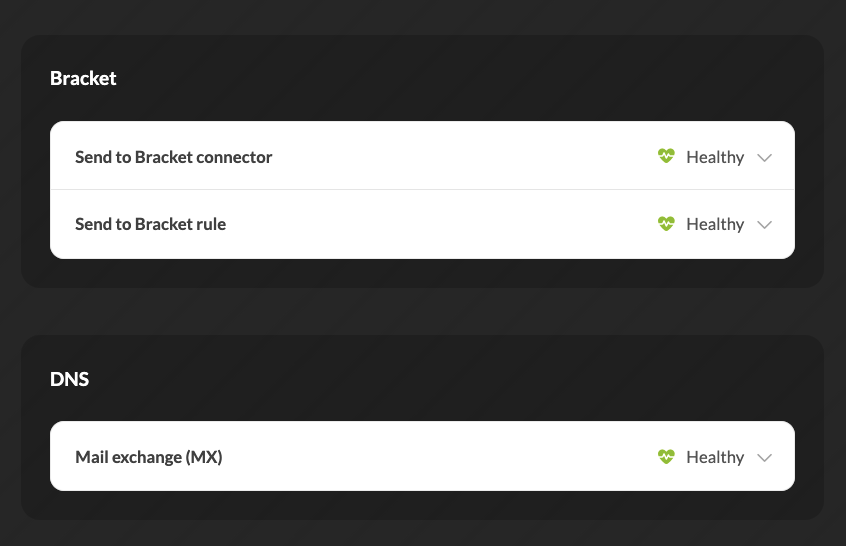 Send to Bracket rule
The Send to Bracket transport rule directs mail to the Bracket connector for encryption.
DNS
Mail exchange (MX)
Shield checks the MX (mail exchange) record for each of this organization's mail-enabled domains. The MX record tells the internet where a domain's email should be delivered. Shield confirms it points to the correct mail exchange so inbound mail is routed through Shield before delivery.
Related to
Updated