Description
Blueprints are customizable default settings assigned to organizations and their users. Shield Admins with Superuser or Administrator roles are able to view and change Blueprint settings, create additional blueprints, and assign blueprints to the partner and customer organizations.
The Blueprints feature is coming soon. Our documentation serves to prepare you for its release.
Open Blueprints
All blueprint assignments for the parent organization and all of its customer organizations are performed through the partner organization. Because Blueprints is a central management tool for all of a partner's organizations, it does not display on individual customer organization pages.
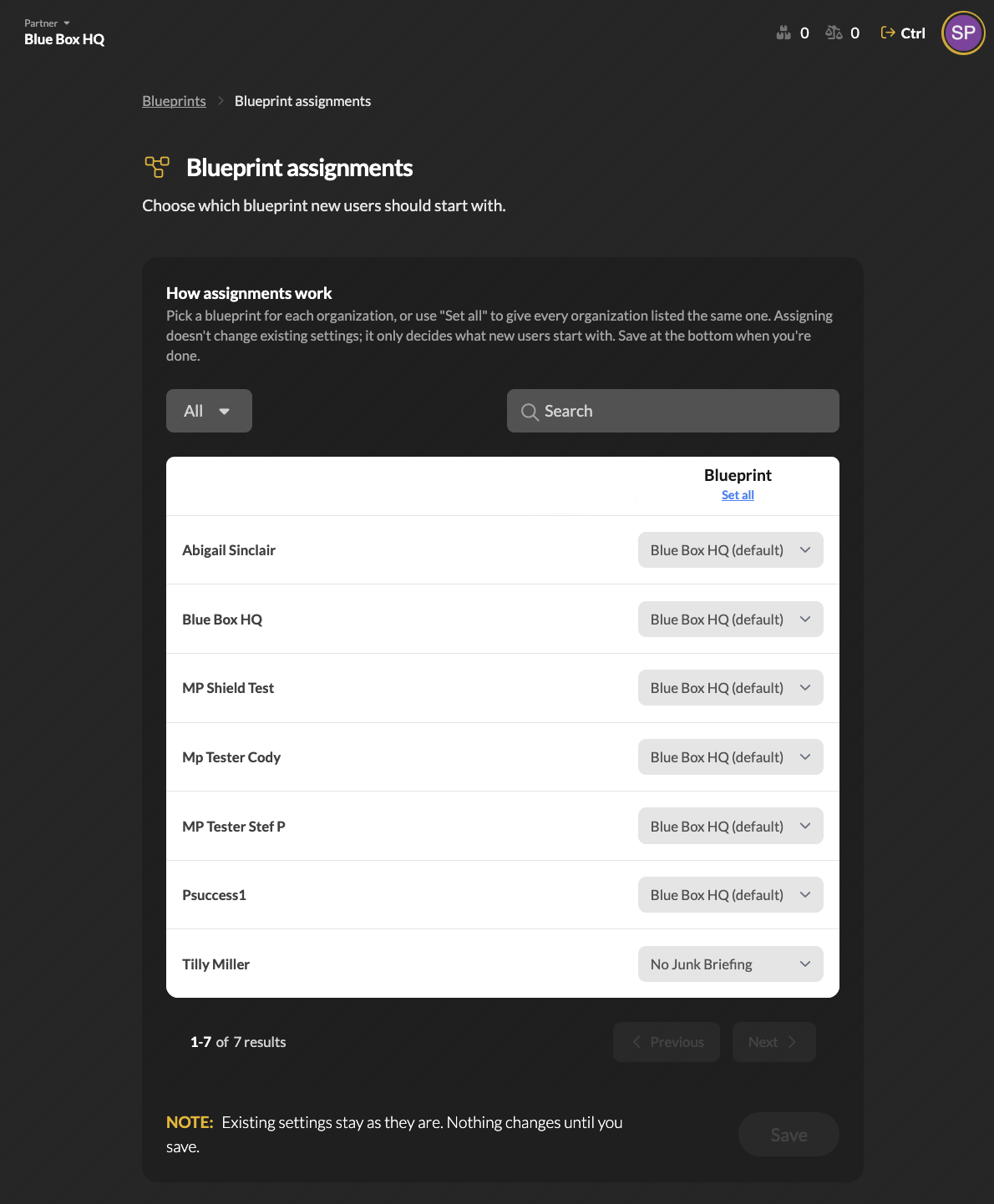 Change Org Assignments
Shield Admins can assign a blueprint for each organization, or use Set all to give every organization listed the same blueprint. Save at the bottom when you're done.
Assigning sets what new users for each organization will receive for settings. Existing user settings are not changed. For resetting existing users with a blueprint assignment, see Overwrite Settings below.
Manage Blueprints
Every organization starts with a default blueprint that uses Shield's default settings. Shield Admins can customize the existing blueprint settings or create new ones by clicking the
Duplicate button, then adjust the settings to suit the needs of one or more organizations.
Click on a blueprint to edit the name and description, set it as default, delete it, duplicate it, and configure its settings.
Each setting opens a new page with all customizable options listed. Locate the settings to modify:
- Organization Risk Levels - Security risk levels for organizations using this blueprint.
- Workflow Templates - When a new customer organization is created under the partner organization, a workflow will automatically be created for each template selected below.
- Organization Access - Set default access for Shield Admins to new customer organizations. Only a Shield Admin with Superuser access can add other Superusers to this blueprint.
- Trusted Regions - Set the Trusted and Dangerous regions for new organizations using this blueprint.
- User Preferences - Set default user protection, mailbox, and Shield app preferences.
- Organization Preferences - Default product selections.
- Security Briefing - Trust network, decision, and delivery setting defaults.
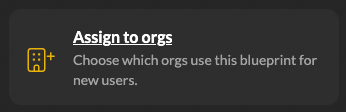 Assign to Orgs
Clicking this option returns to Blueprint Assignments for all of the partner's organizations.
Overwrite Settings
Assigning sets what new users for each organization will receive for settings. Existing user settings are not changed. To reset existing users' blueprint assignment, use Overwrite Settings.
Overwriting existing user settings will remove any specific customizations that were previously set for an existing user.
Related to
Updated